1. Record
Capture your mic, your PC's sound, or both at once
Record your voice or anything playing on your PC, cut out what you don't need, clean it up and save it as MP3, WAV or FLAC. Every feature is free.
Free forever · Windows 11 & 10 (64-bit) · No registration
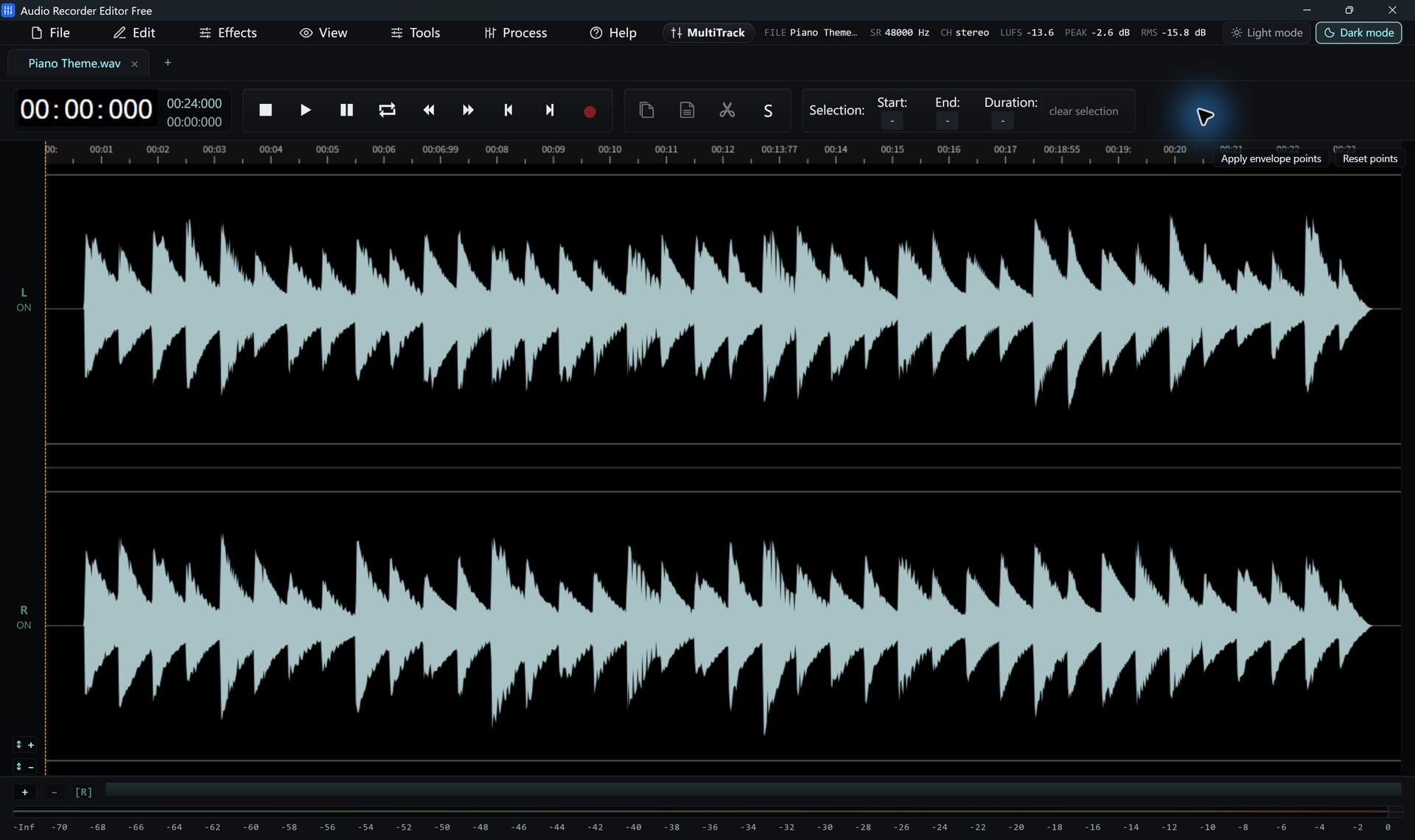
Three steps from a raw take to a file you can share.
Capture your mic, your PC's sound, or both at once
Select, cut, fade and clean up on the waveform
Export MP3, WAV, FLAC and more, free
Pick a task. Each one has a short, step-by-step tutorial.
Microphone to WAV or MP3 in minutes
Capture calls, streams and games
Keep only the part you need
Clean hiss, hum and clicks
MP4, MKV, MOV to MP3 or WAV
One link, one editable track
Cut at every silence automatically
Batch MP3, FLAC, WAV and more
Everything opens in one window, and nothing is locked.
Select a part with the mouse, then cut, copy, paste, delete or fill it with silence. Zero-crossing snap keeps your edits free of clicks, and the history panel lets you step back through every change.
How to edit music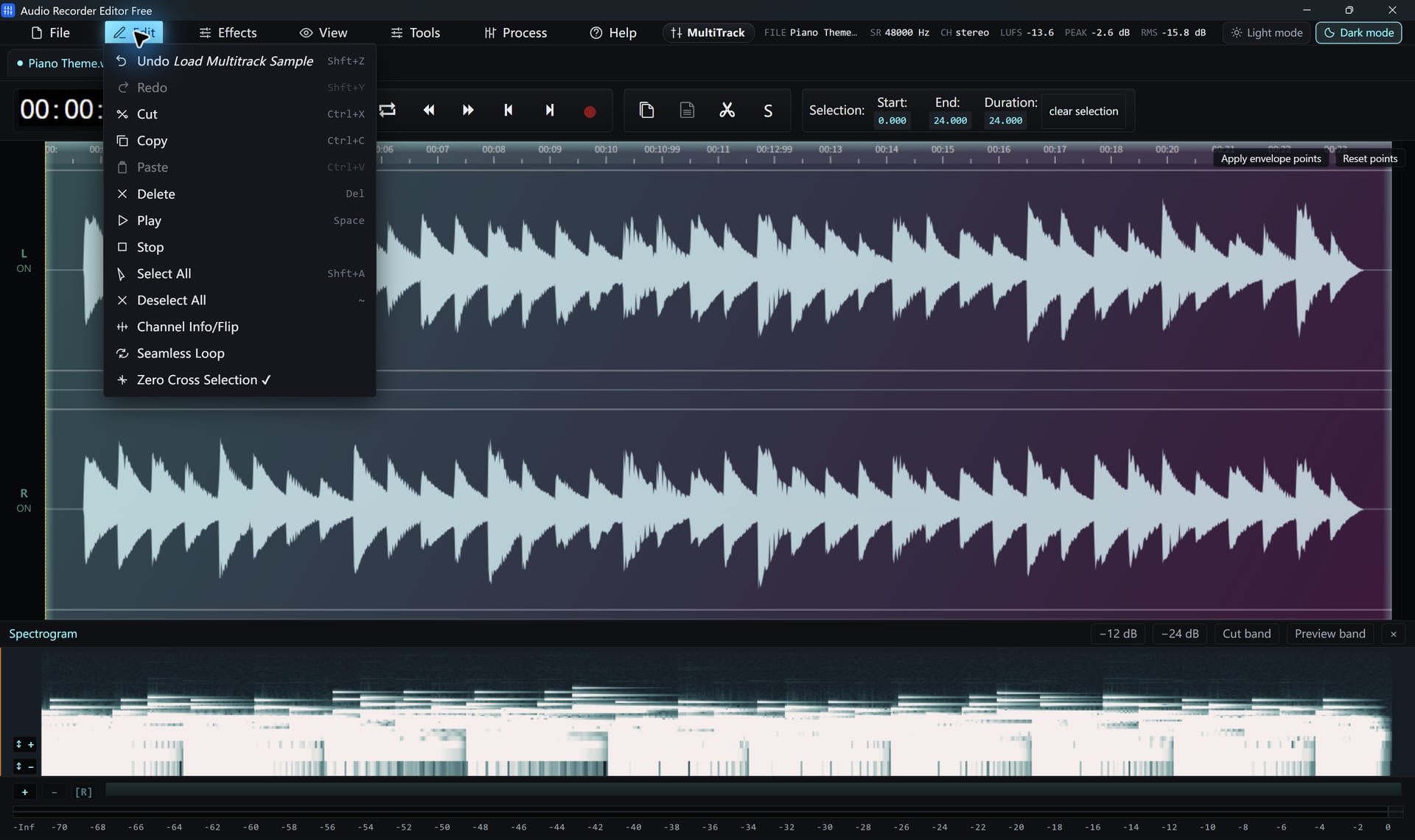
Record a microphone, the sound your PC is playing, or both at the same time. Mix them into one track, or keep your voice on the left channel and the computer on the right.
How to record computer sound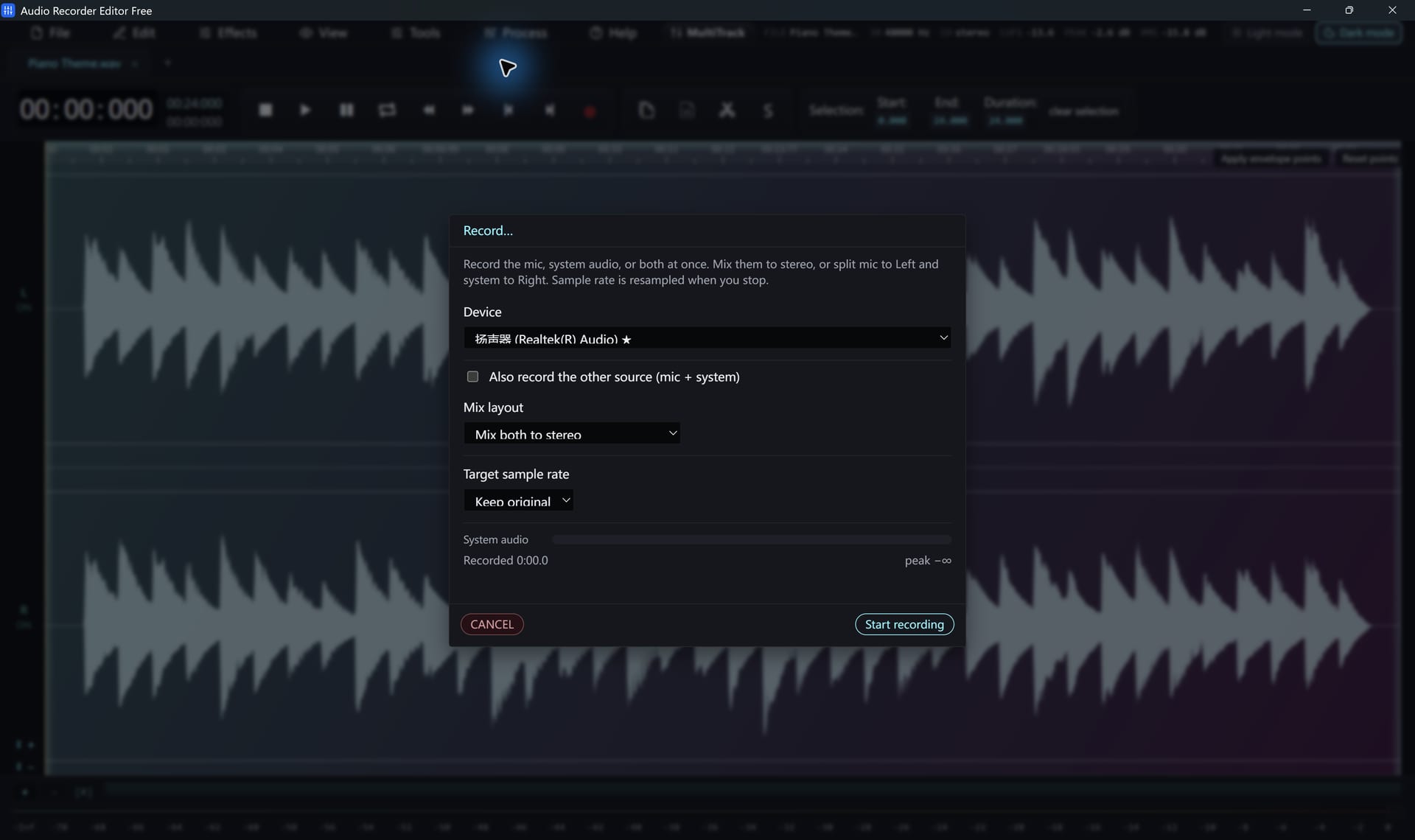
Repair Studio looks for clicks, hum, clipping, harsh "s" sounds and loud breaths, then lets you hear the original and the fixed version before you apply anything.
How to remove background noise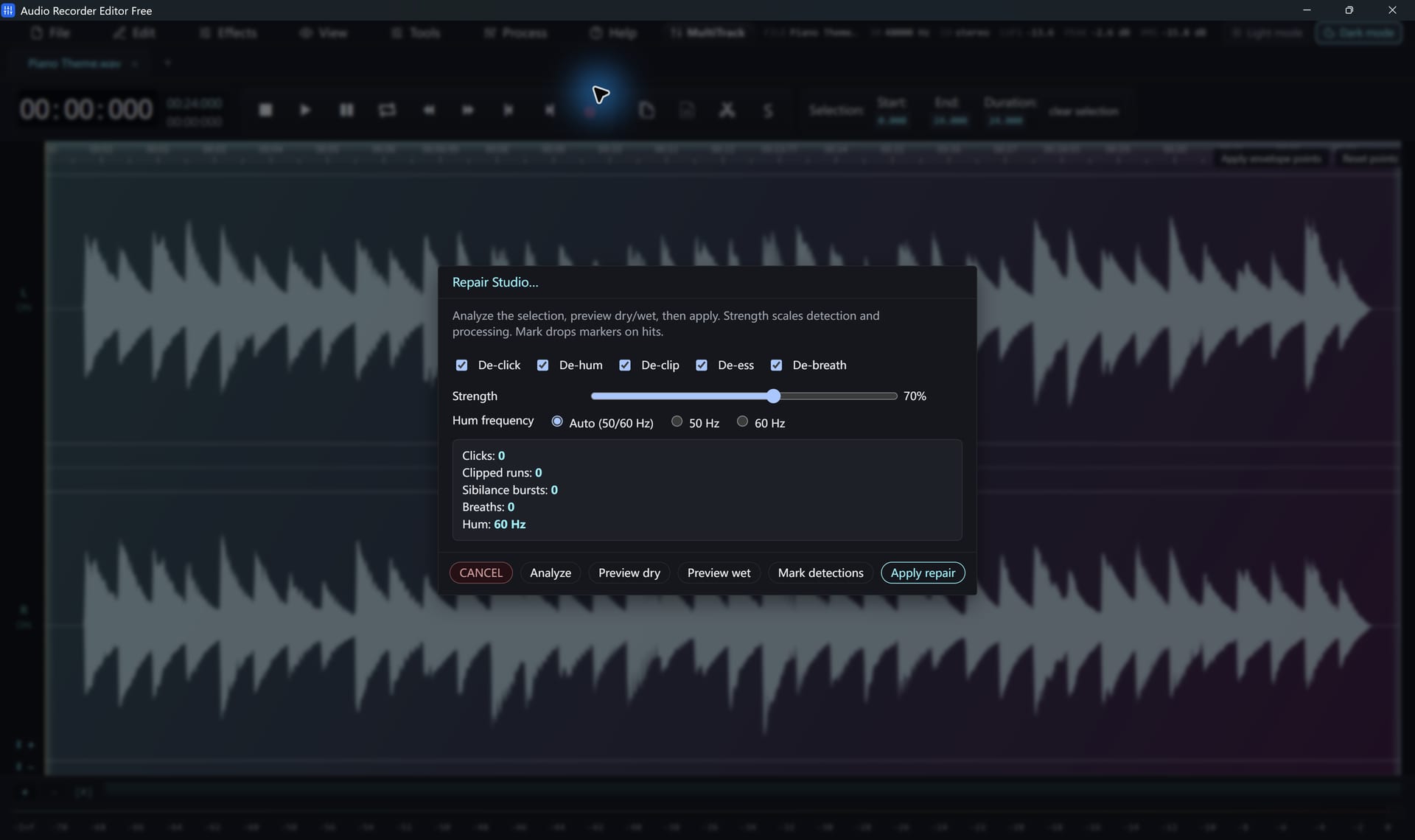
A 10- or 20-band graphic EQ, compressor, normalize, reverb, delay, fades and speed controls. Save your favourite settings as presets and reuse them on the next file.
How to add audio effects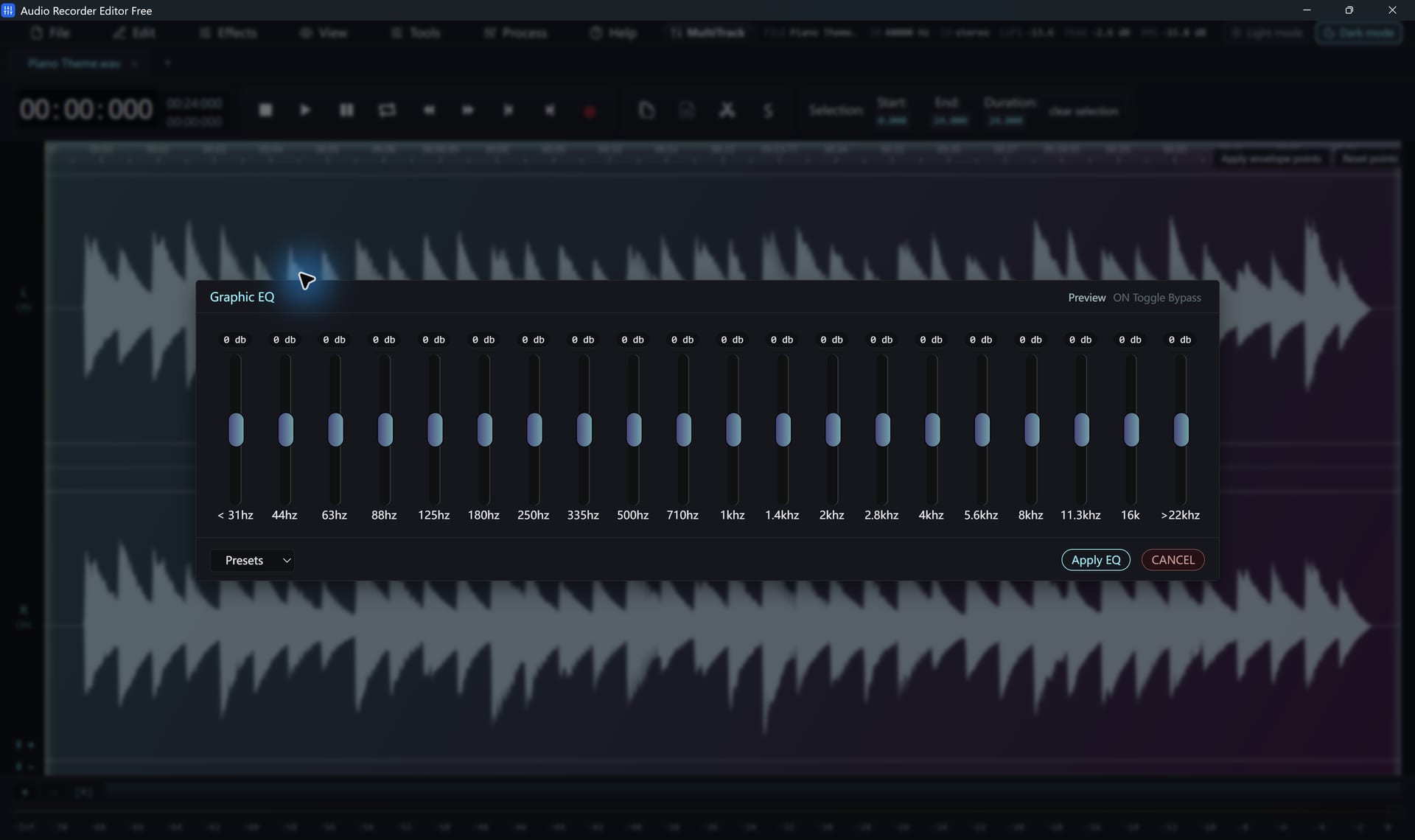
Put a voice-over on one track and background music on another, set volume and pan, add crossfades, then mix everything down to a single file.
How to mix audio tracks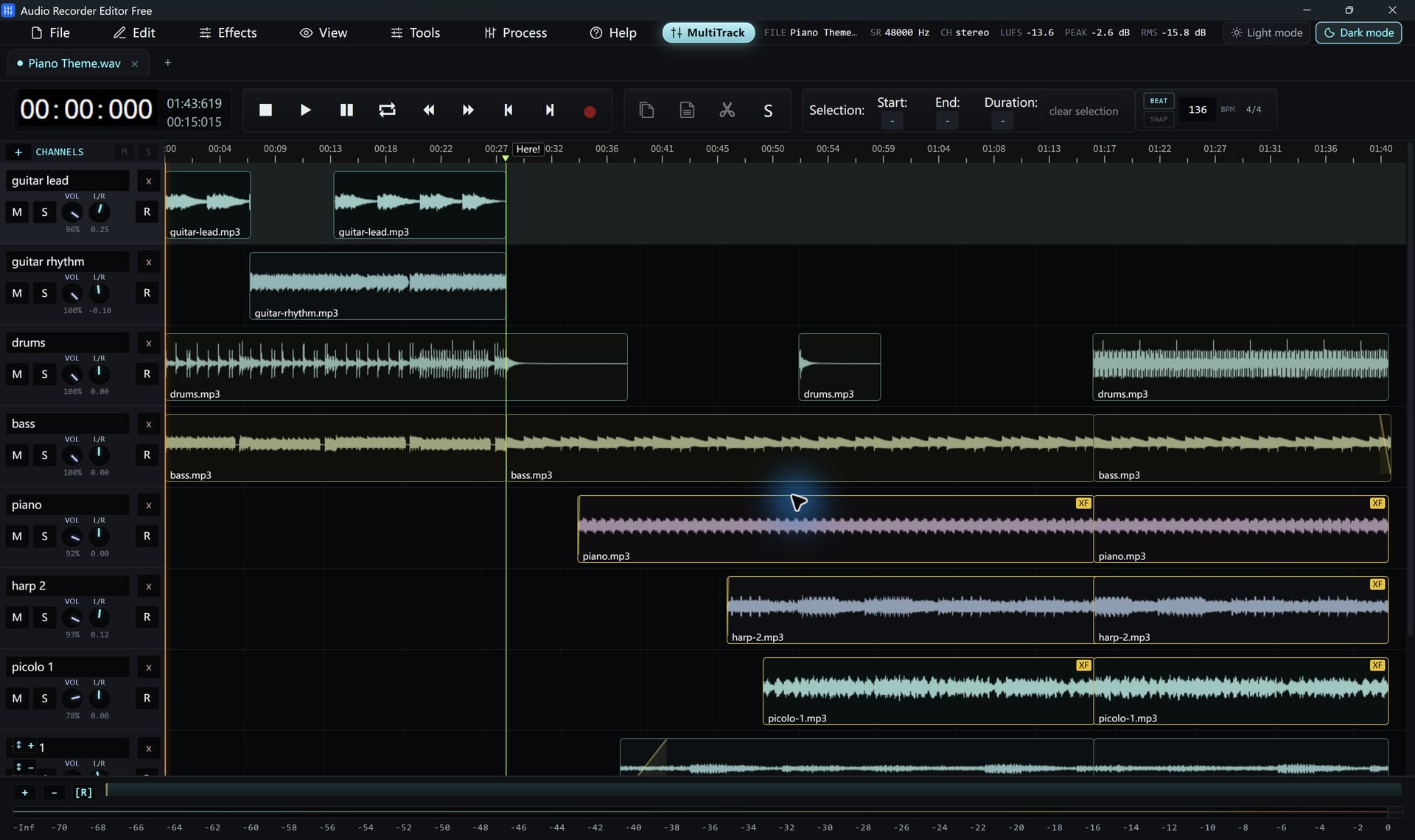
Export MP3, WAV, FLAC, M4A, OGG, Opus and many other formats. Choose the sample rate, channels and bitrate. Nothing is locked behind a registration.
How to batch convert audio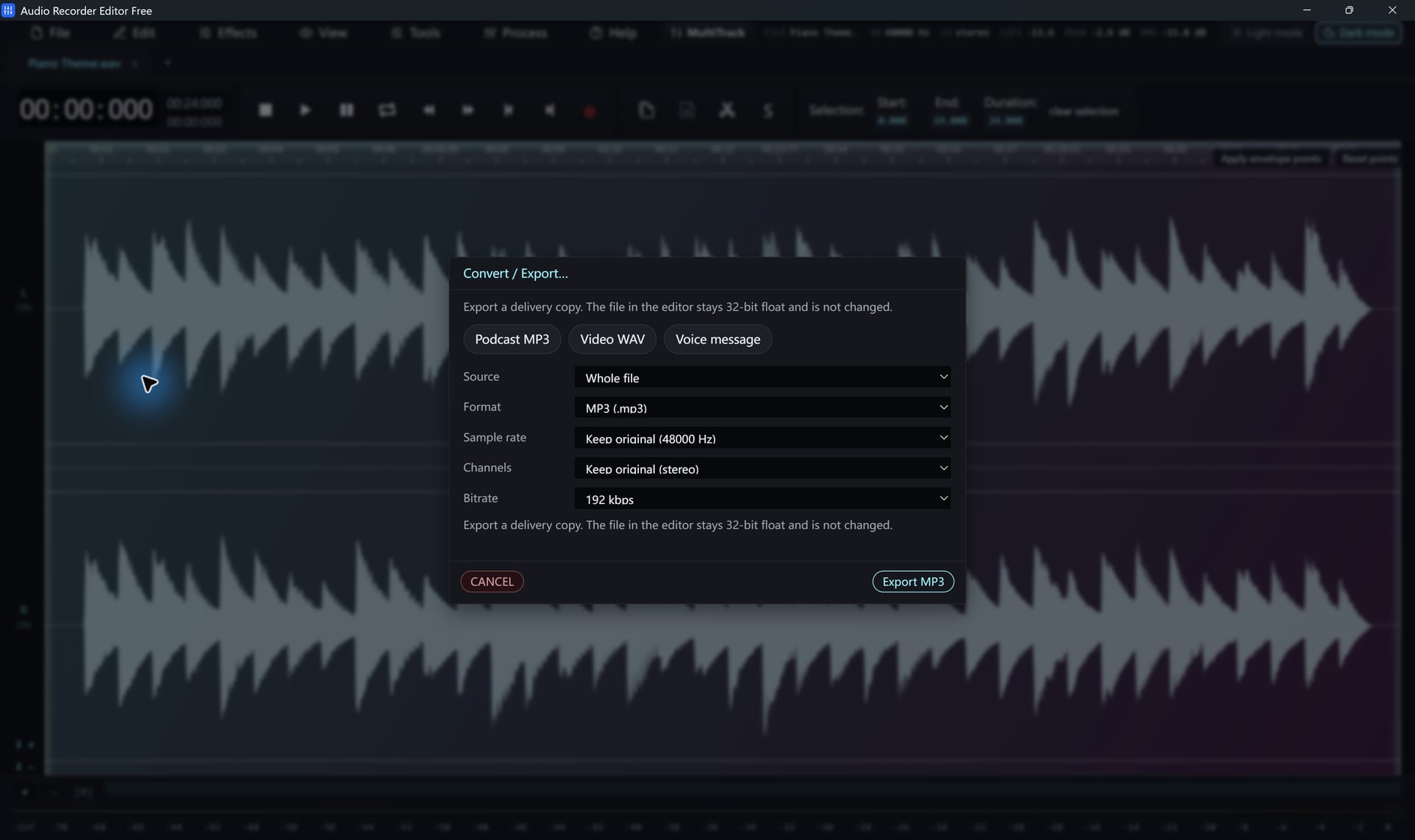
Some "free" editors stop you at the save button. This one doesn't.
One installer, every feature. Nothing to unlock later.
Short tutorials and straight answers
Yes. Recording, editing, effects, noise reduction, batch conversion and every supported export format, including MP3, FLAC and AAC, are free. There is no trial period and no registration key.
Yes. Pick your speakers or headphones as the playback device and it records whatever Windows is playing: a video call, a web page, a game. You can record your microphone at the same time.
Open Convert / Export, choose MP3, pick a bitrate and a folder, then export. The MP3 encoder is included and free.
It has Noise Reduction (Voice) for steady background noise, plus Repair Studio for clicks, hum, clipping, harsh "s" sounds and breaths. Results depend on the recording, and heavy damage cannot always be undone.
Yes. Open an MP4, MKV, MOV, WebM, AVI or other supported video and its soundtrack opens as an editable waveform. The program edits audio only; it does not edit or export video.
No. It needs 64-bit Windows 10 (version 2004 or later) or Windows 11. There is no Mac or Linux version.
Not in the current version. You can still edit tracks ripped with Windows Media Player, and you can record a text-to-speech voice with the computer-sound recorder. The tutorials explain both.
English, Simplified Chinese, Traditional Chinese, Japanese, Korean, Spanish, Brazilian Portuguese, German, French and Russian.
Free audio recorder and editor for Windows 11 and Windows 10.
Download Free for WindowsFree forever · Windows 11 & 10 (64-bit) · No registration