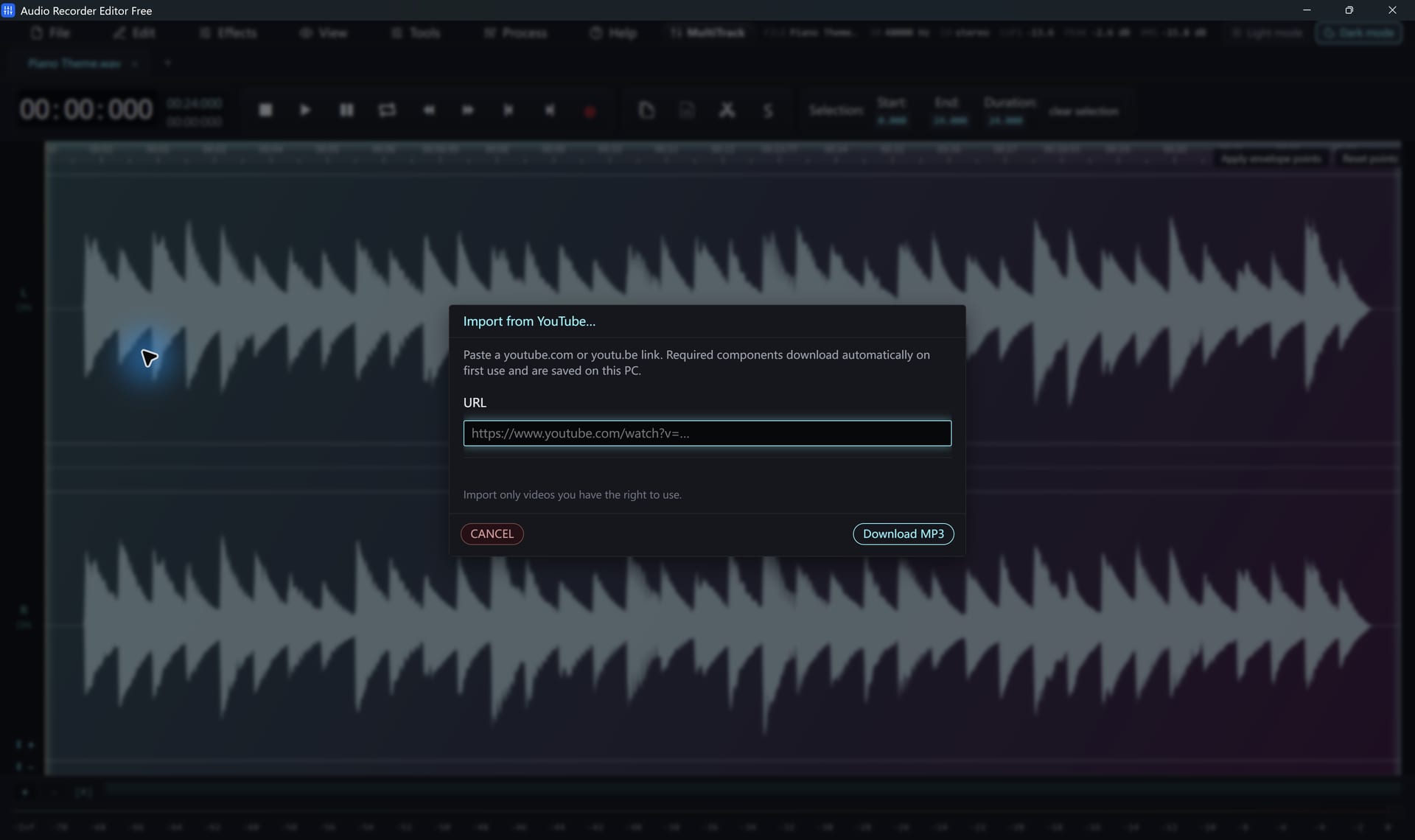
Steps
- Choose File › YouTube to MP3.
- Paste a YouTube watch, Shorts or share link.
- Click Start. The first time, the program downloads and checks the helper components it needs.
- When the audio opens, edit it like any other file and save it.
Good to know
- It imports one video at a time. Playlists are not downloaded.
- Private, age-restricted or region-locked videos can fail.
- If an import stops working, use Help › Update YouTube download module and try again. The failed link is kept for the retry.
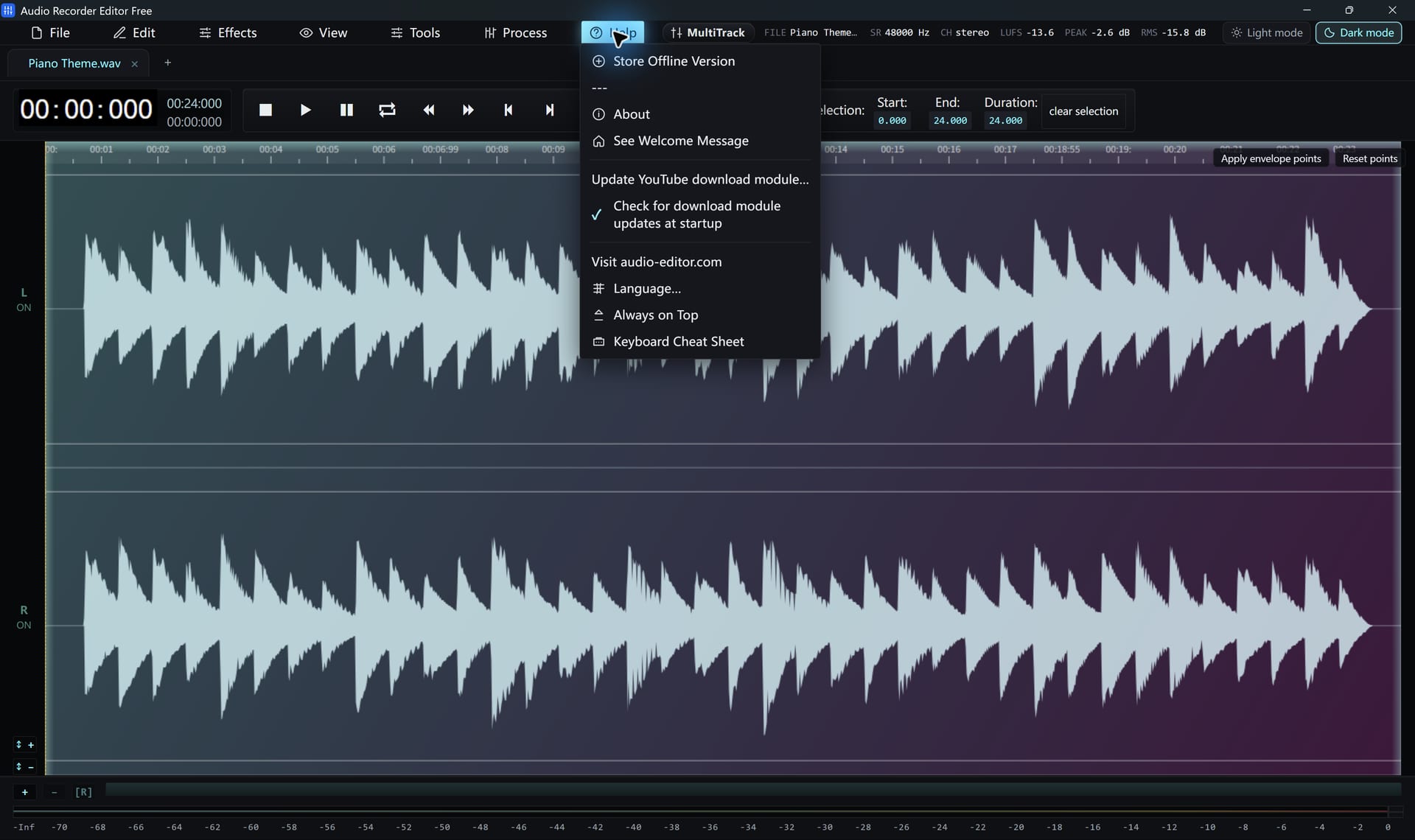
Only download content you have the right to use, and follow YouTube’s terms of service.
Follow along for freeAudio Recorder Editor Free has every tool in this tutorial. No registration.
Free DownloadQuestions about this task
Does it need an internet connection?
Yes, for the import and the first-time component download. Normal editing of files on your PC does not.
Can I choose video quality?
No. This importer is for audio only.
Try It On Your Own Audio
Audio Recorder Editor Free costs nothing. Install it and follow along.
Download Free for WindowsFree forever · Windows 11 & 10 (64-bit) · No registration